Solitaire
A downloadable game for Windows and macOS
# Solitaire (Klondike) — The FAQ
52 cards, one deck, zero opponents to blame when it goes wrong. Welcome to Solitaire — the classic game of patience, mild self-deception, and occasionally flipping the wrong card at the worst possible moment.
---
## The Basics
**What even is this game?**
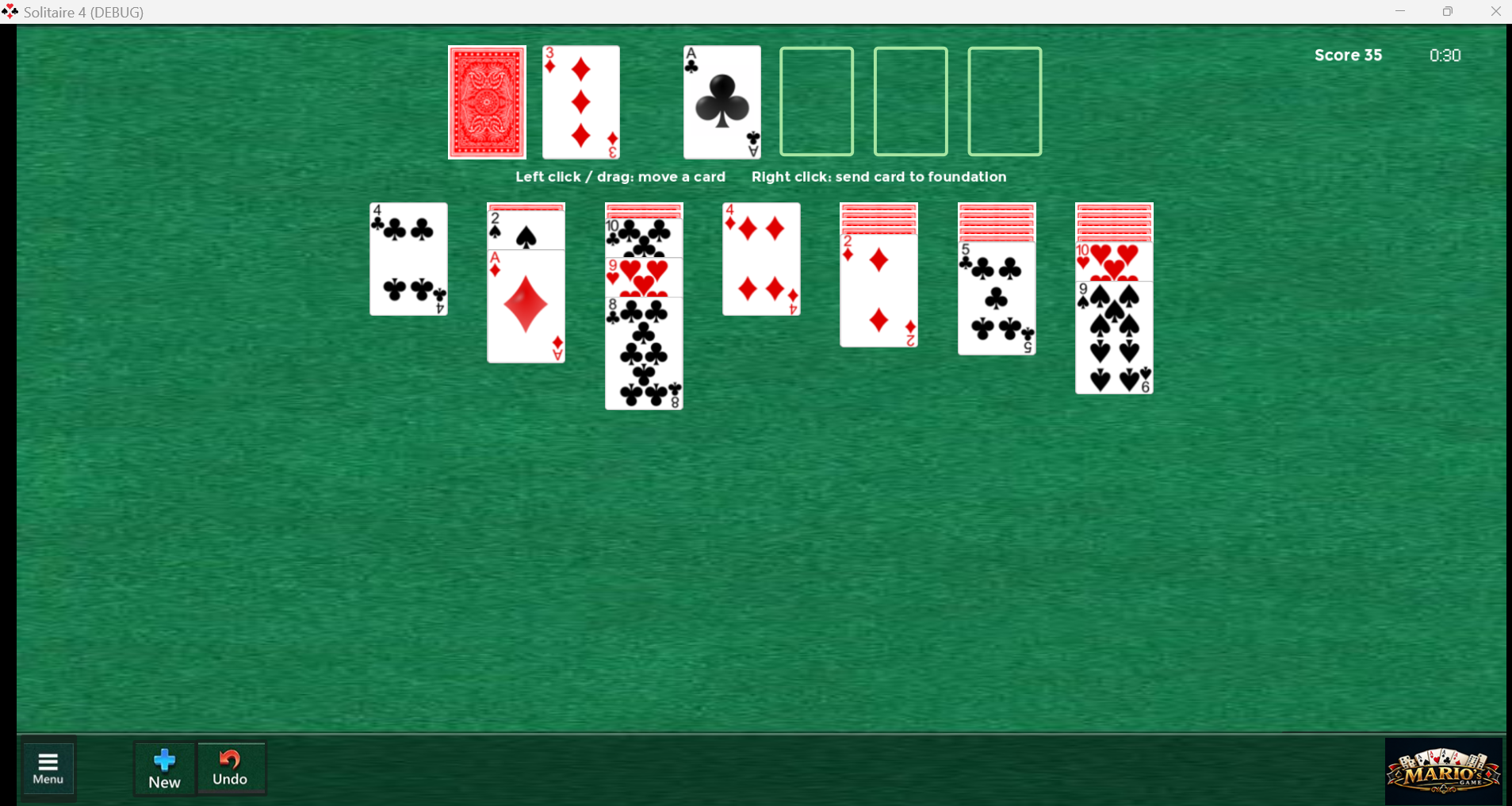
Classic Klondike Solitaire. Seven tableau columns, a stock and waste pile, and four foundations waiting to be filled Ace through King. You already know this game — your grandmother taught it to you, or Windows did.
**How do I win?**
Get all 52 cards onto the four foundations, each one sorted by suit from Ace up to King. That's it. That's the whole ambition.
**What are the seven columns for?**
The tableau. Column 1 gets 1 card, column 7 gets 7 — only the top card of each starts face up, the rest are hiding face down until you earn the reveal.
**What's the deal with the stock and waste pile?**
Click the stock to flip a card face up into the waste. Run out of stock? Click it again to recycle the whole waste pile back into stock — for a small, entirely deserved score penalty.
---
## The Weird Stuff (that makes this game *this* game)
**Wait, I can right-click now?**
Yep. Right-click the top card of the waste pile, or the top card of any tableau column, and it jumps straight to a foundation pile — if a legal spot exists. No fuss, no drag.
**So what's left-click for?**
Click and drag, the old-fashioned way. Grab the top card (or a whole valid face-up sequence) and drop it on another column or foundation. Nobody's forcing you to use the right-click shortcut.
**Whatever happened to double-clicking?**
Retired. It used to send the waste card to a foundation; right-click does that job now, and does it without the 0.2-second guessing game.
**Can I drag a whole run of cards at once?**
Yes, as long as they're a proper descending, alternating-color sequence and all face up. Grab the top of the run and the rest come along for the ride.
**What happens when I uncover a face-down card?**
It auto-flips face up, no clicking required, and it even pays you +5 points for the privilege.
**I recycled the waste pile and lost points. Rude.**
That's -20 points, entirely on purpose. Endless free re-draws would make this a much less interesting game.
---
## Scoring & Winning
| Action | Points |
|-------------------------------------------|:------:|
| Move a card to a foundation | +10 |
| Move a card from waste to tableau | +5 |
| Flip a face-down tableau card | +5 |
| Move a card from foundation back to tableau| -15 |
| Recycle waste back into stock | -20 |
**Is there an undo button?**
Yes, a real one. It walks backward through your actual move history — including auto-flips — not just the last thing your mouse did.
**Is there a timer?**
It counts up from 0:00 the moment the deal starts, purely so you can see exactly how long you sat there before admitting the game was unwinnable.
**How do I "win the match"?**
There's no match — it's just you, one deck, and whatever the shuffle decided to do to you today. Win the hand or don't; either way, nobody's keeping score but the scoreboard.
---
## Practical Nonsense
**Is my progress saved?**
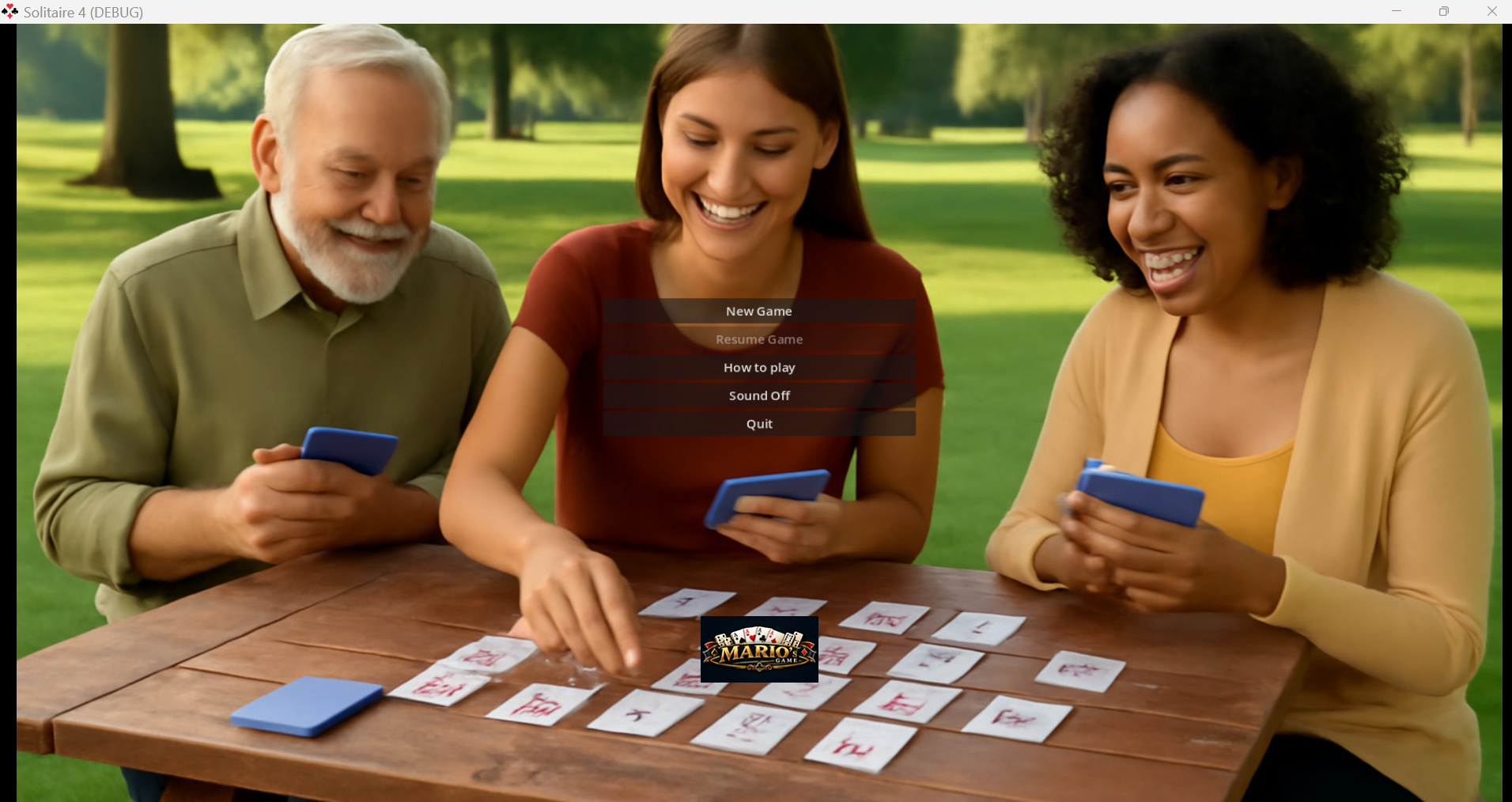
Yes — hit Menu and your game state is saved so **Resume Game** can pick up right where you left off. **New Game** shuffles a fresh deck and forgets the old one ever happened.
**What platform is this on?**
Windows desktop, built in Godot.
**What's with the sign in the corner?**
That's the "Mario's Game" sign. Purely decorative, mildly proud of itself.
**I found a bug. Now what?**
Report it — and feel free to blame the waste pile. It's already down 20 points; it can take a little more heat.
---
*Solitaire — the only card game where losing is a solo achievement.*
Download
Install instructions
Windows version: standard Windows EXE, Clean System, NO ads
MacOS version: 🍎 Mac Players Notice (Apple Gatekeeper)
Because this game is made by an independent creator, macOS might show a warning saying the app "cannot be opened" or is from an "unidentified developer."
Don't worry! You can easily bypass this by following these simple steps:
- Unzip the downloaded file.
- Hold down the Control key on your keyboard and Right-Click (or two-finger click) the game app.
- Select Open from the menu that pops up.
- A new window will appear asking if you are sure. Click Open one more time!
(Alternatively, go to your Mac's System Settings > Privacy & Security, scroll down to the Security section, and click Open Anyway).
Development log
- Solitaire15 days ago
Comments
Log in with itch.io to leave a comment.
Are you really bored?!... This is just a lonely game!